Completion requirements
4.Organising digital training
4.2 Learning Assessment
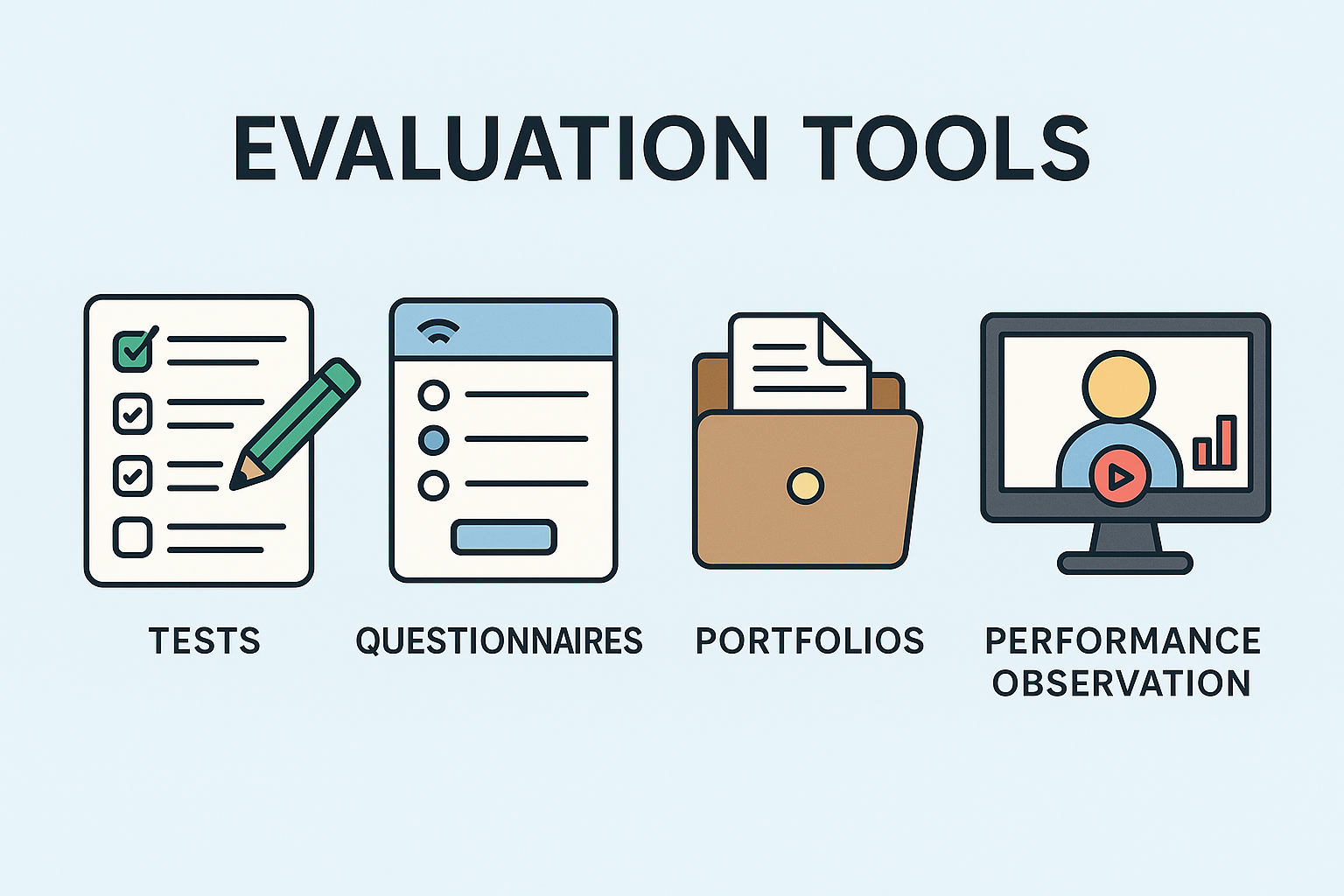
4.2.2 Assessment Tools: Tests, Questionnaires, Portfolios, Performance Observation
Tools Integrated into Learning Management Systems (LMS)
Modern LMS platforms (for example Moodle, Canvas, Blackboard, Google Classroom etc…) offer a range of tools that simplify and make assessment more effective:
- Quiz/Tests: Mentors can create multiple-choice, true/false, short-answer, or essay questions. They can set time limits, include question pools, provide automatic feedback, and track results in the gradebook.
- Example: A module on "Digital Marketing Fundamentals" includes weekly quizzes in Canvas to test vocabulary and basic concepts, with immediate feedback.
- Submission of Assignments and Projects: This allows for the submission and grading of documents, multimedia files, and other materials. It often includes integrated rubrics and tools for annotating directly on the assignment.
- Example: Students upload a draft marketing plan to Moodle, and the mentor uses the annotation tools to highlight areas for improvement and assign a score according to the rubric.
- Discussion forums: These assess participation, critical thinking, and communication skills. Mentors can use rubrics to evaluate the quality of contributions.
- Example: A mentor asks students to critically analyze a case study in a Blackboard forum, evaluating the application of theories and interaction with peers.
- Gradebook: A centralized system for tracking grades, calculating final scores, and providing a transparent overview of progress.
- Example: Students can consult the gradebook in Canvas to monitor grades and current course status.
- Analytics dashboards: Many LMSs offer detailed analytics on student activity (time spent in modules, frequency of posts, etc.), useful for identifying difficulties and responding promptly.
Example: A mentor notices through analytics that a student hasn't accessed the course for days and contacts them. This approach falls within the realm of learning analytics (Siemens & Gasevic, 2012).
Digital tools for assessment and interaction
- Google Forms: useful for creating surveys, self-assessment quizzes, and customized feedback forms. Collaborative, versatile, and easily shareable.
Example: a mentor sends a form after a complex session to collect anonymous feedback on unclear points.
- Kahoot!: interactive quizzes and polls with games, ideal for formative assessments and maintaining attention.
Example: at the beginning of a live class, a mentor uses Kahoot! to review the previous week's content.
- Padlet: virtual bulletin board for brainstorming, ideas, questions, or exit tickets. It encourages quick and visible responses, even anonymous ones.
Ex: students post initial project ideas and mentors respond visually to each one.
- Mentimeter/Slido: tools for interactive presentations, live polls, word clouds, and Q&As. Excellent for immediate feedback and interactive discussion.
Example: a mentor creates a real-time word cloud for the question "What is your main challenge in this module?"
- Perusall/Hypothesis: tools for collaboratively annotating documents (PDFs, articles). They encourage active reading and asynchronous discussion.
Example: students read an article on Perusall, leaving comments/questions directly on the text. The mentor immediately identifies critical points/interesting discussions.
- Flip (formerly Flipgrid): a video discussion platform, useful for assessing speaking skills, presentations, creativity, and building a sense of community.
Example: instead of a written text, students record a 1-minute video to introduce themselves and share a learning objective.
- Online whiteboards (Miro, Jamboard): ideal for collaborative brainstorming, problem-solving, concept maps, and visual projects, assessed for comprehension and teamwork.
Example: a group designs a workflow in Miro, and the mentor evaluates their comprehension and collaboration.
Actions and Best Practices for Mentors
- Match the tool to the learning objective: choose the tool best suited to the type of evaluation. Avoid tools that are simply "innovative": they must add concrete value.
- Provide clear instructions/support: explain to users how to use the tools and what is expected of them (format, content, participation). Short video tutorials can help.
- Assessment methods: combine individual and group assessments: written/oral, practical/theoretical. This supports different learning styles, maintaining motivation.
- Automate when possible: use self-assessment functions for simple quizzes or surveys to devote more time to qualitative feedback on complex tasks.